Web
Clean article text, title, URL, tags, summaries, and source chunks.
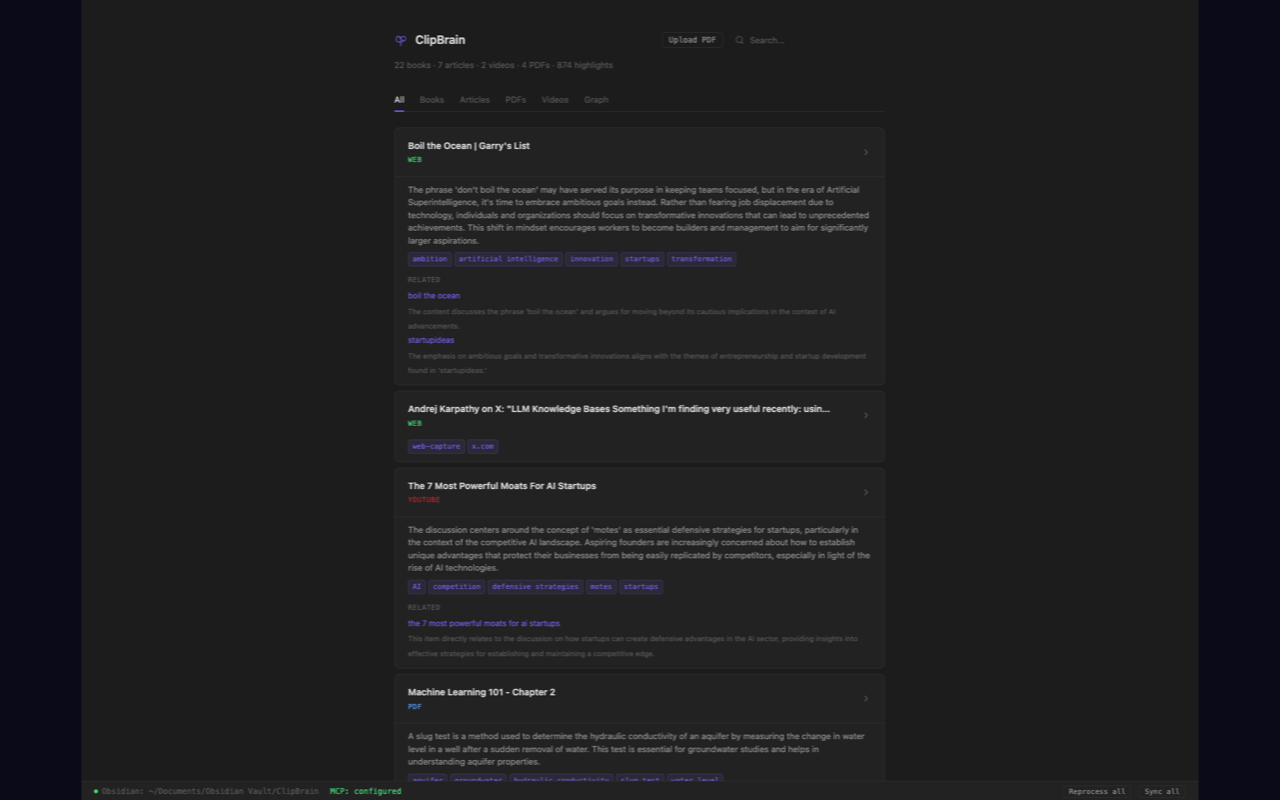
 Local-first memory for AI agents
Clip anything into agent-ready local memory.
Web pages, X posts, Kindle highlights, YouTube transcripts, Gmail threads, and PDFs become searchable context for Codex, Claude Code, Claude Desktop, Cursor, and any MCP client.
Capture layer
ClipBrain is two parts: a Chrome extension for capture and a local server that stores, compiles, and exposes your knowledge over MCP. The extension is the door; the local memory layer is the product.
Press Cmd+Shift+S or use the toolbar button. ClipBrain extracts the page, sends it to your local server, enriches it if you configured AI processing, and keeps the raw source searchable.
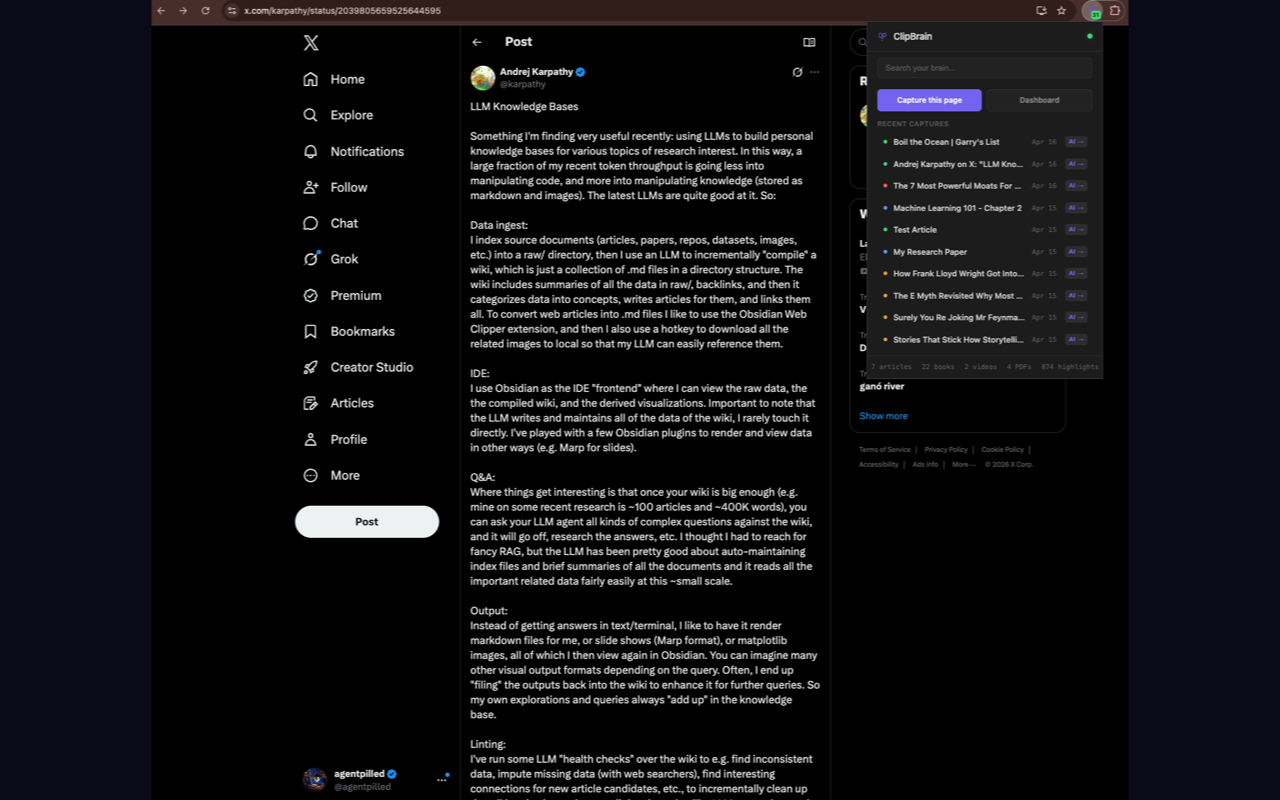
Clean article text, title, URL, tags, summaries, and source chunks.
Highlights, notes, book metadata, and chapter-level reading evidence.
Transcripts with timestamps, ready for search and summarization.
Drag, drop, extract, index, and ask your agent about the file later.
Optional permission for threads you explicitly choose to capture.
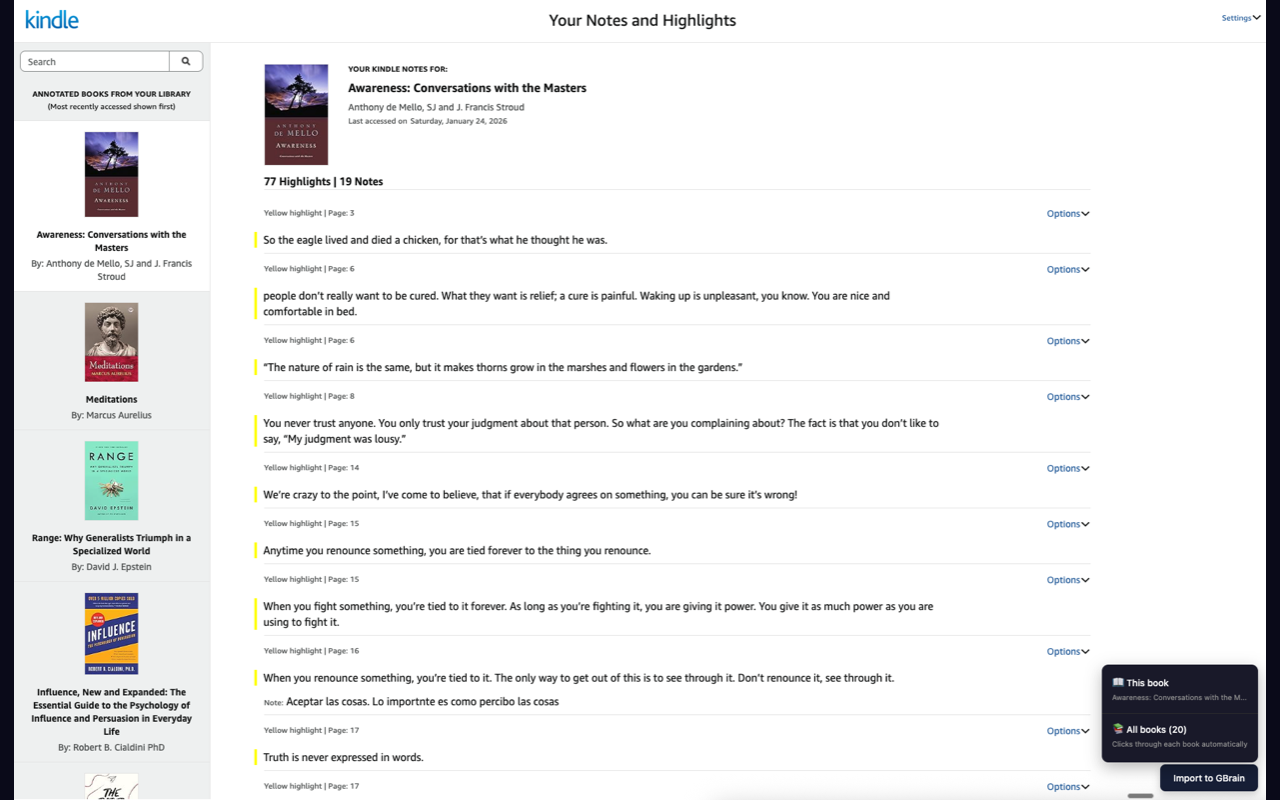
Kindle highlights
Open your Kindle notebook, click Import to ClipBrain, and the extension walks the library for you. Highlights become searchable memory with book titles, notes, and citation-ready source text.
Agent workflow
ClipBrain uses GBrain under the hood for local knowledge storage and retrieval, then adds capture workflows and a ClipBrain-specific context pack for compact, cited agent handoffs.
Save the active page, thread, transcript, PDF, or Kindle highlight set into your local ClipBrain server.
ClipBrain preserves raw text, creates summaries and tags when configured, and keeps long sources searchable in chunks.
Your MCP client can query your corpus and receive cited context packs with sources, snippets, claims, quotes, and actions.
Install
The Chrome extension is the capture half. It needs the ClipBrain local server running on your machine at 127.0.0.1:19285.
git clone https://github.com/agentpilled/ClipBrain
cd ClipBrain
./setup.sh
bun run doctorInstall the published extension from the Chrome Web Store. For local development, load the repo folder unpacked from chrome://extensions.
Setup configures the local memory tools for compatible AI clients, including the ClipBrain context_pack handoff.
Privacy boundary
Your captures go from Chrome to your local server. If you configure optional AI enrichment with your own OpenAI key, your local server may send captured text to OpenAI for summaries and tags. ClipBrain itself does not run a cloud corpus.
ClipBrain turns the internet, your books, and your documents into local memory your AI can actually cite.